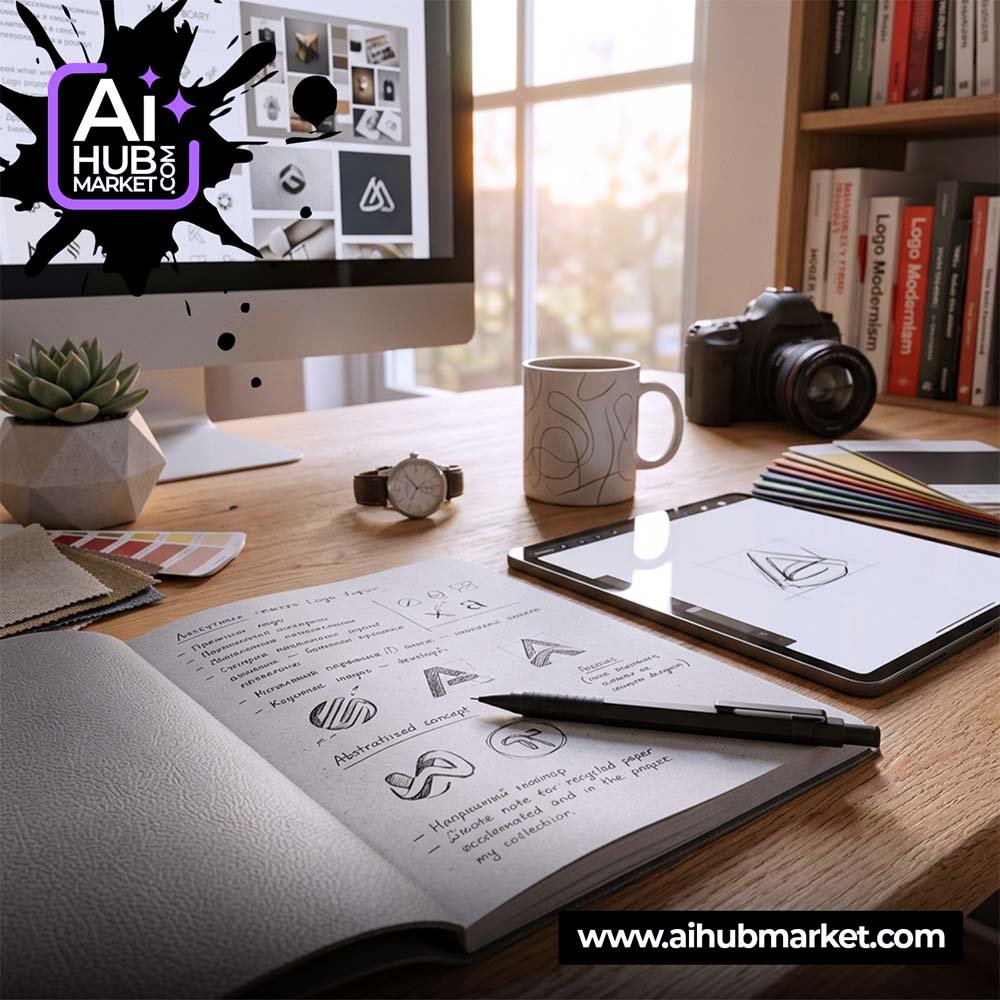
A strong AI logo design prompt describes the brand before it describes the style. Instead of asking for “a modern professional logo,” define the company, audience, brand personality, symbol direction, typography, color logic, composition, and what the AI should avoid. This guide gives you a practical structure plus reusable examples.
What Should an AI Logo Design Prompt Include?
A useful logo prompt usually contains seven elements:
- Brand: company name, industry, product, or service.
- Audience: who the brand serves and what they should feel.
- Personality: modern, premium, technical, playful, calm, bold, editorial, or another clear direction.
- Logo type: wordmark, monogram, symbol, emblem, combination mark, or abstract mark.
- Visual idea: shapes, metaphors, motifs, geometry, negative space, or letter construction.
- Color and typography: restrained palette and general type character rather than an overly long list of colors and fonts.
- Constraints: simple silhouette, scalable, flat vector-like presentation, no mockup, no unnecessary 3D effects, no extra text.
Start with the Brand Brief, Not the Visual Style
The AI needs to understand what the logo represents. “Minimal logo, black and gold” describes appearance but not strategy. Add a compact brand brief:
- What does the company sell?
- Who is the target customer?
- What should the brand feel like?
- Which competitor clichés should be avoided?
- Where will the logo appear — app icon, packaging, website, signage, social media?
This makes it easier to generate concepts that are relevant instead of merely attractive.
Choose the Right Logo Type
Different logo types need different prompting:
- Wordmark: focus on letterforms, spacing, rhythm, and a distinctive typographic detail.
- Monogram: define the initials and how they may interlock or use negative space.
- Symbol: describe one visual metaphor and keep the shape simple.
- Combination mark: specify how the symbol and wordmark should relate.
- Emblem: define the containing shape and hierarchy, but avoid excessive decorative detail.
Reusable AI Logo Design Prompt Template
Use this as a framework and replace the bracketed fields:
Create a [logo type] for “[brand name],” a [industry/product] brand for [target audience]. Brand personality: [3–4 traits]. Build the concept around [single visual idea/metaphor]. Use [shape/geometry direction] with [typography direction]. Color palette: [colors or palette logic]. The logo should work at small sizes, have a clean silhouette, balanced negative space, and a flat vector-style presentation. Avoid [clichés/unwanted symbols], gradients, unnecessary 3D effects, mockups, and extra text. Show the logo centered on a plain background.
AI Logo Prompt Examples
Minimal SaaS logo prompt
Create a geometric combination mark for a B2B workflow automation platform. The audience is operations teams and small business owners. The brand should feel reliable, fast, intelligent, and calm. Build a simple abstract symbol around connected steps and forward movement without using a robot head, brain, or lightning bolt. Pair it with a clean modern sans-serif wordmark. Use a restrained two-color palette. Flat vector-style presentation, strong negative space, scalable silhouette, plain background, no mockup or 3D effects.
Premium coffee brand logo prompt
Create an elegant wordmark with a small custom symbol for a specialty coffee brand aimed at design-conscious urban customers. The identity should feel warm, refined, artisanal, and contemporary. Use subtle geometry inspired by a coffee bean and a rising sun, avoiding generic cup icons. Typography should feel editorial with distinctive letter spacing. Use deep brown, warm cream, and one muted accent. Flat, simple, packaging-ready, no photorealistic mockup.
Creative studio monogram prompt
Create a bold monogram using the initials “AB” for a digital design studio. The concept should combine the two letters through negative space rather than overlapping them randomly. The identity should feel experimental but professional. Use strong black-and-white geometry that remains recognizable as a favicon and social avatar. No gradients, shadows, decorative frames, or extra text.
Common AI Logo Prompt Mistakes
- Using only style words: “modern, premium, elegant” is not a concept.
- Adding too many symbols: one strong idea is easier to recognize than five metaphors in one mark.
- Asking for a mockup too early: evaluate the logo itself before placing it on walls, cards, or packaging.
- Ignoring small-size use: complex marks often fail as app icons or favicons.
- Trusting generated text blindly: image models may distort lettering; final typography often needs manual recreation.
- Skipping originality checks: generated concepts should be reviewed before trademark or commercial use.
From AI Concept to a Usable Logo
- Generate several concept directions, not dozens of tiny variations of one weak idea.
- Choose the strongest symbol and simplify it.
- Rebuild the final mark as clean vector artwork when necessary.
- Correct typography and spacing manually.
- Test the logo in black and white, small sizes, horizontal and square formats.
- Check for unwanted similarity to existing brands before commercial use.
If you want more ready-made visual prompt structures, browse the AIHubMarket prompt marketplace. Regular users can also explore AIHub Pro for premium prompt access.
Frequently Asked Questions
What is the best prompt for AI logo generation?
The strongest prompt includes the brand context, target audience, personality, logo type, one visual concept, typography direction, palette, and constraints. It should describe what the logo must communicate, not only how it should look.
How do I prompt AI for a professional logo?
Use a concise brand brief and ask for a simple, scalable mark on a plain background. Specify the logo type and avoid generic visual clichés, excessive effects, and mockups during the concept stage.
Can AI generate a finished logo?
AI is useful for concept exploration, but final logo production may require vector rebuilding, typography correction, spacing adjustments, and originality checks.
Should a logo prompt include brand colors?
Yes, if the palette is already defined. If it is not, describe the desired color logic — for example, restrained, high-contrast, warm, or monochrome — and compare several options.