



24 useful Free templates plus 40 additional Pro presets.

Posuv – Motion Showcase Builder
Create polished animated showcases and motion videos from your own images and videos—without an external rendering API.
Your media is processed locally in the browser and is not uploaded to our server.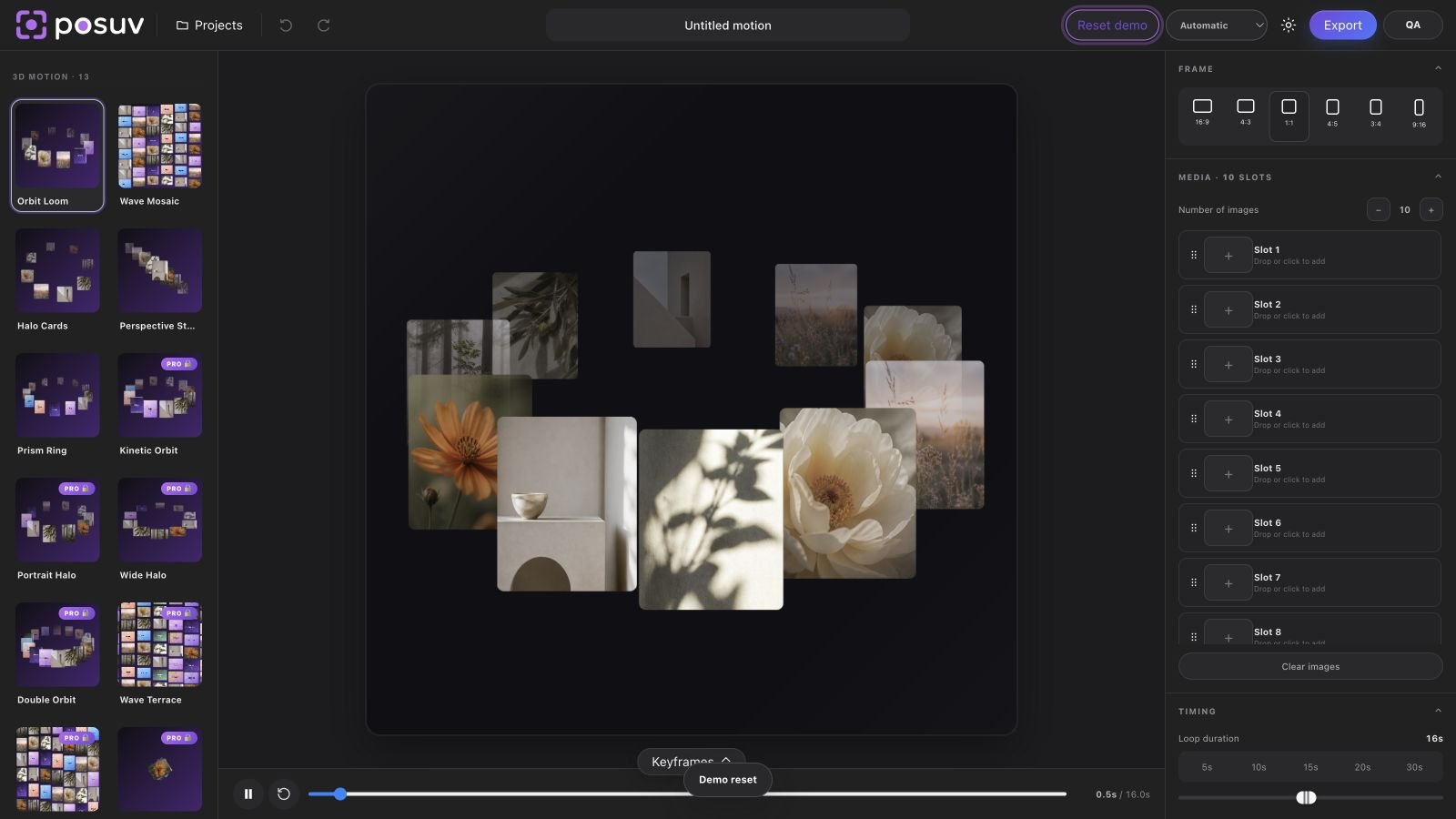
Capabilities
From media to finished motion in one editor
Use your own images and videos while files stay in your browser.
Animate size, position, rotation, opacity and template controls.
16:9, 4:3, 1:1, 4:5, 3:4 and 9:16.
Multiple text layers, your logo and precise on-canvas positioning.
Use a colour, gradient or your own background image.
Create and render without an external render API.
PNG and WebM in Free; GIF, MP4, 2K and 4K in Pro.
Real product UI
See Posuv in action
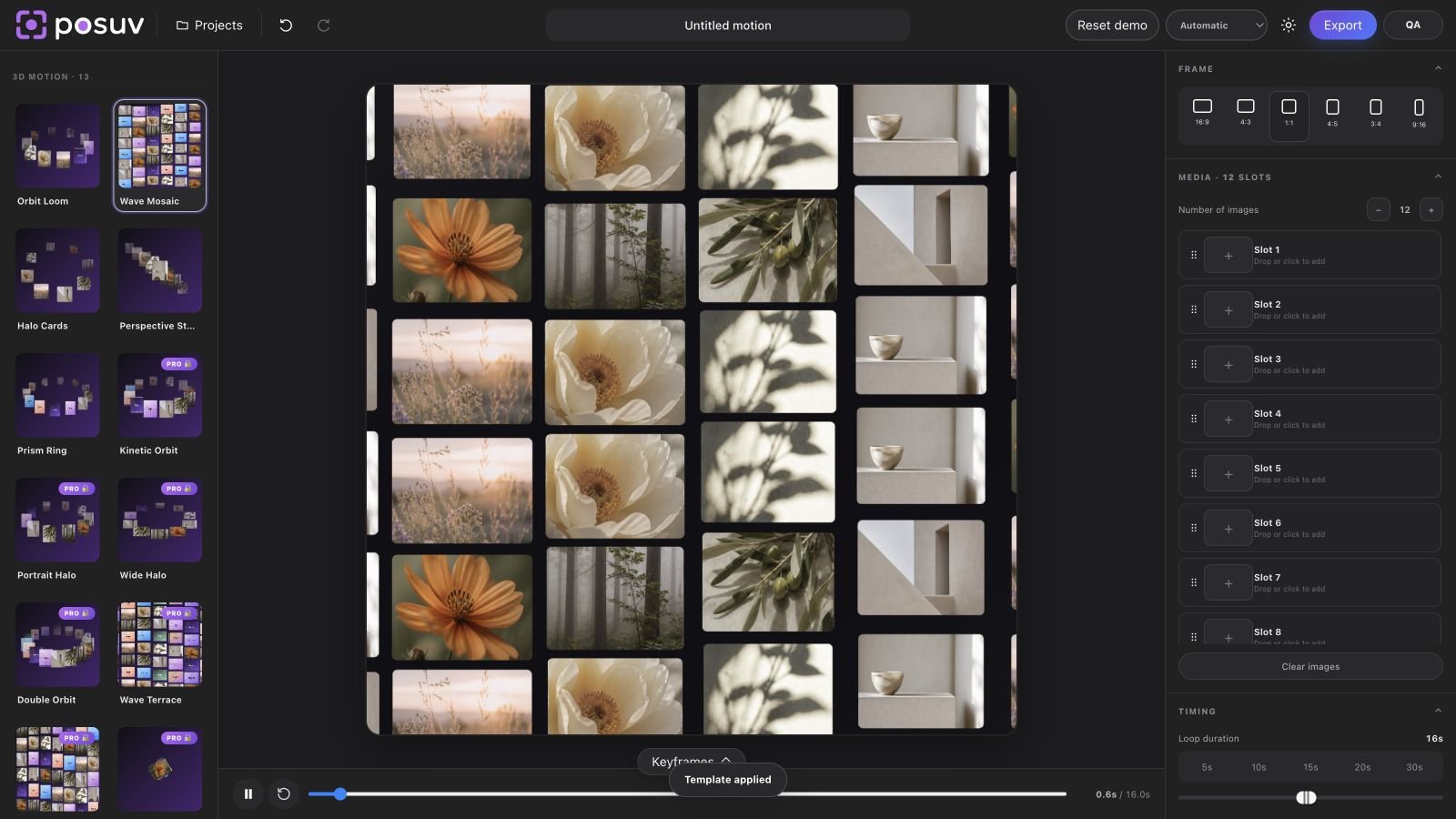
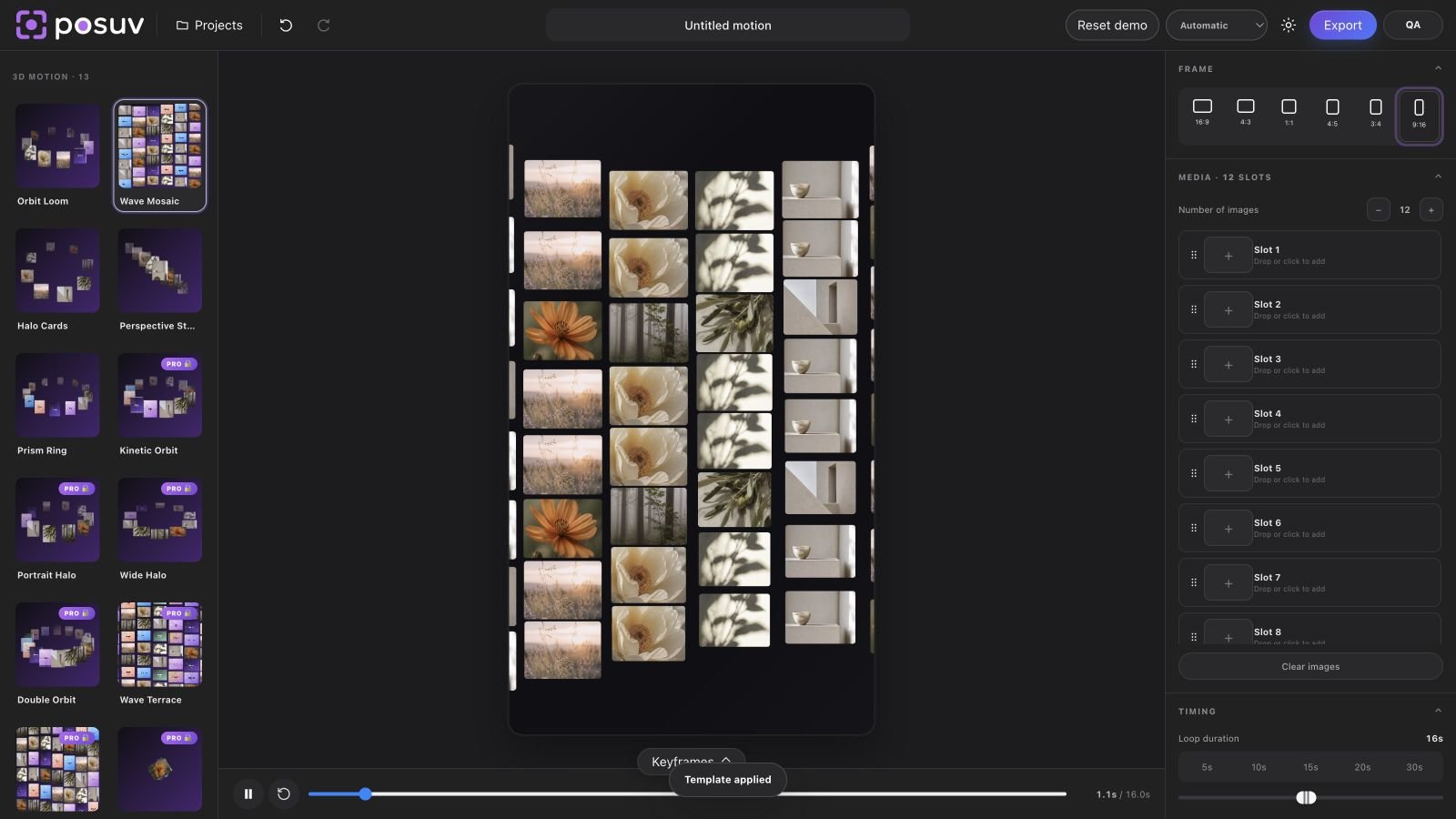
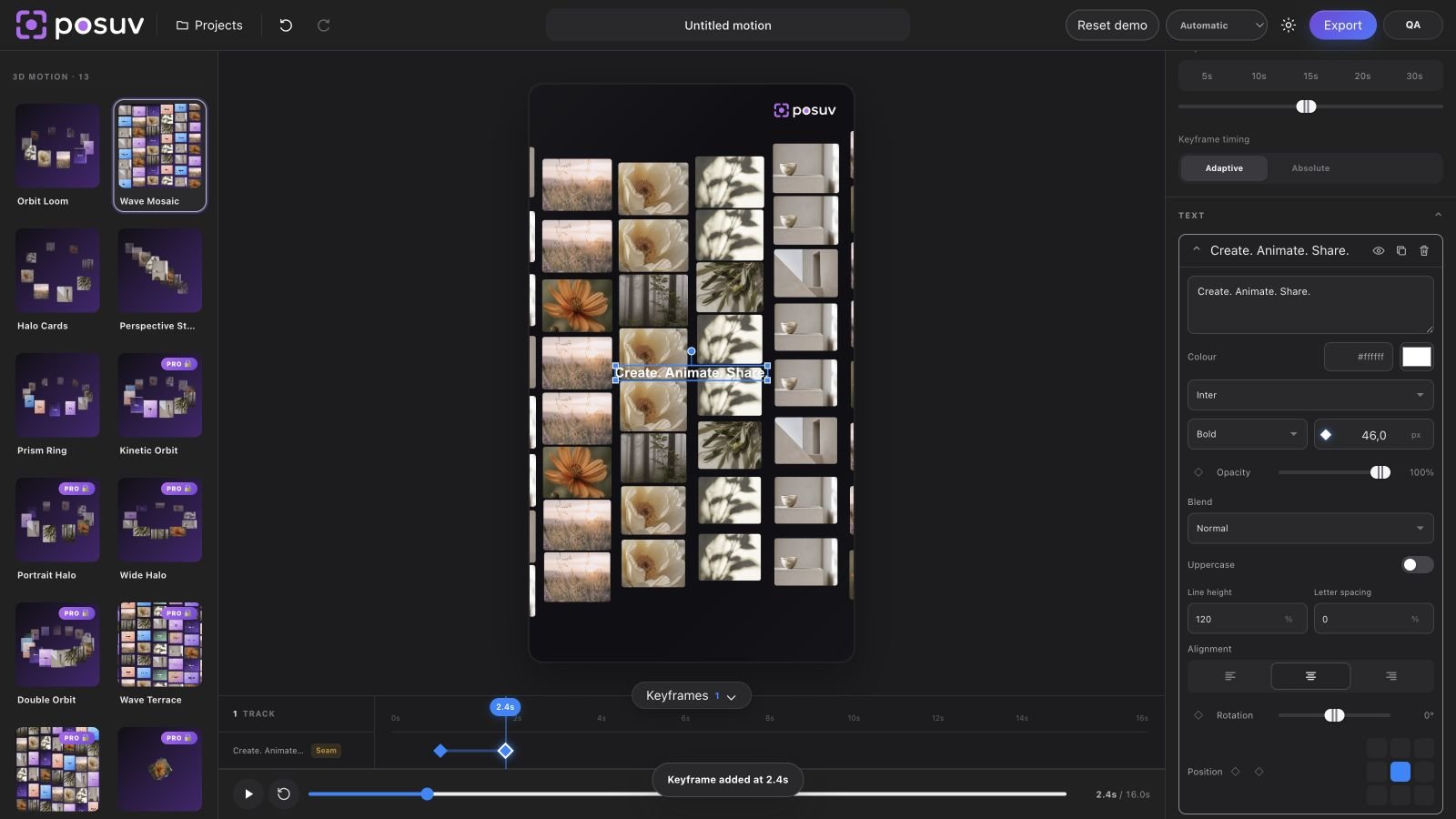
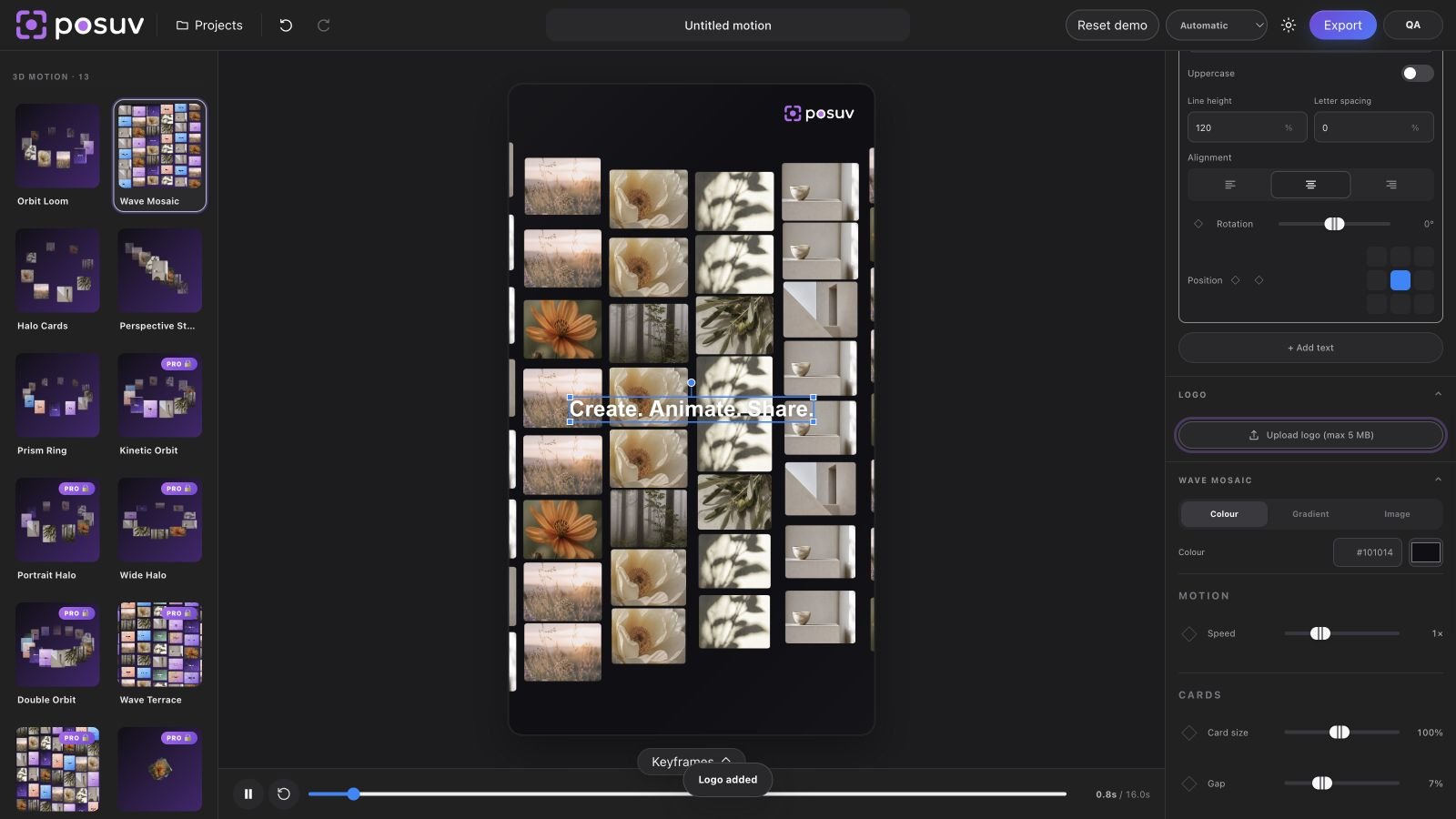
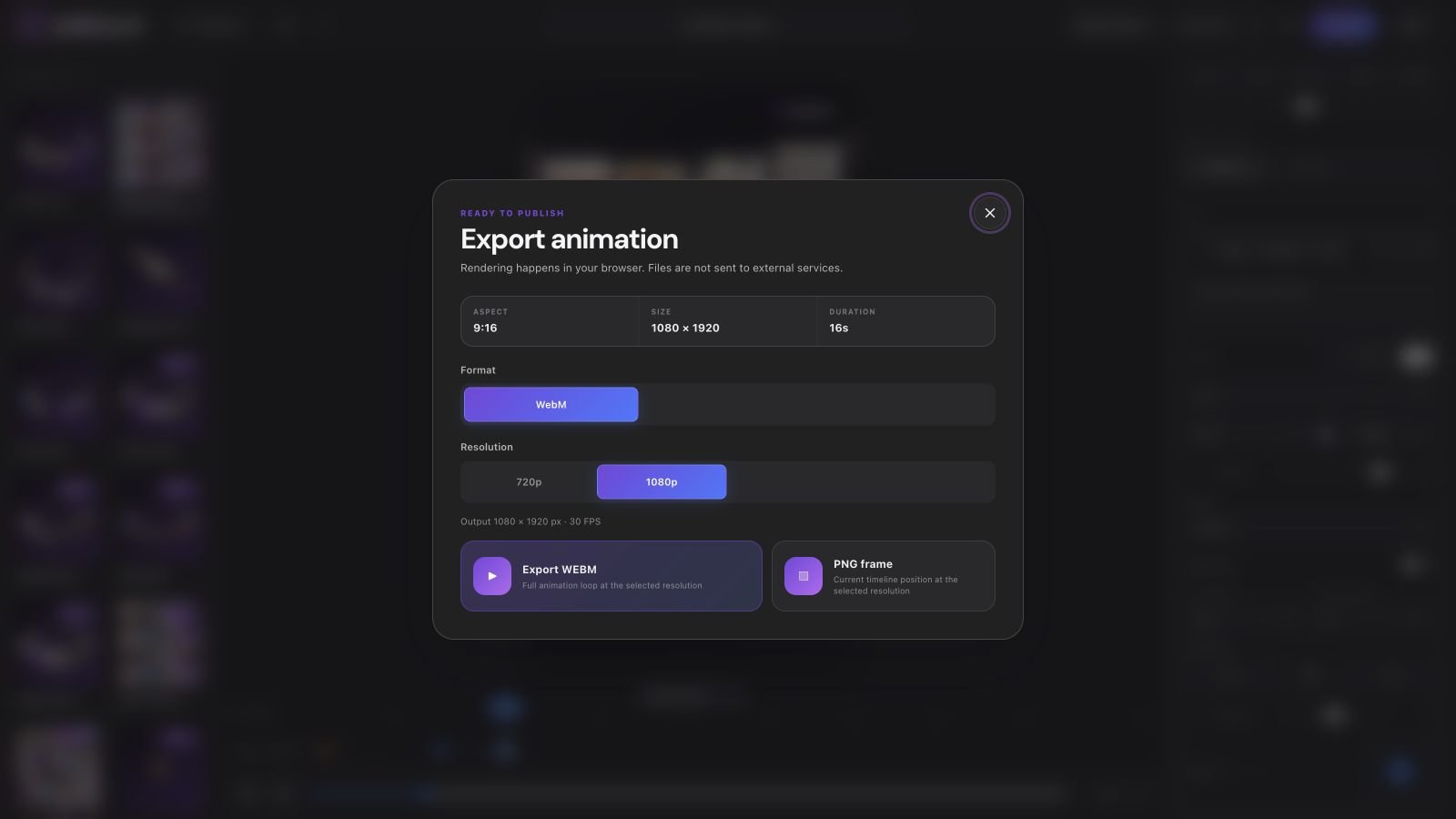
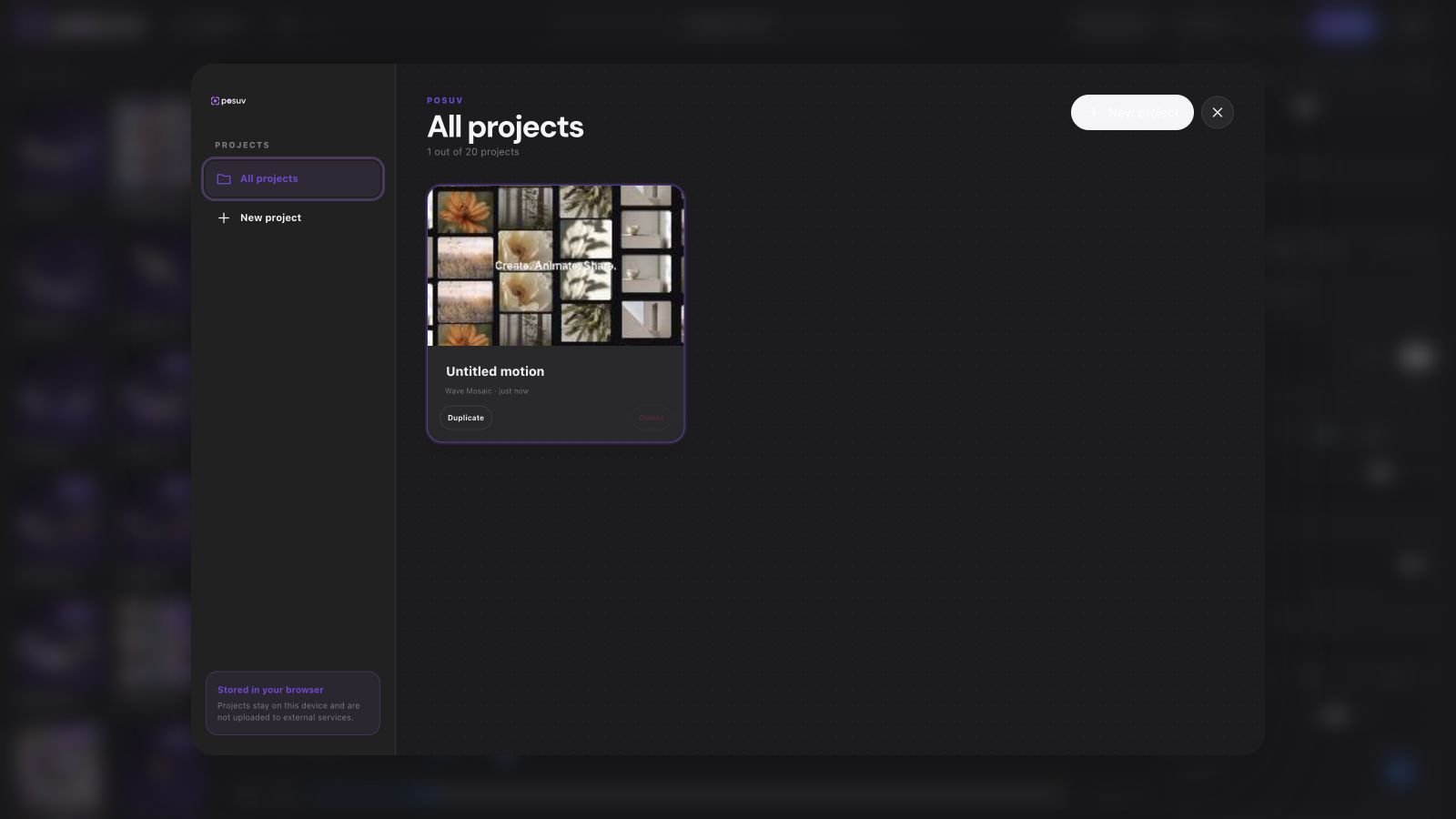
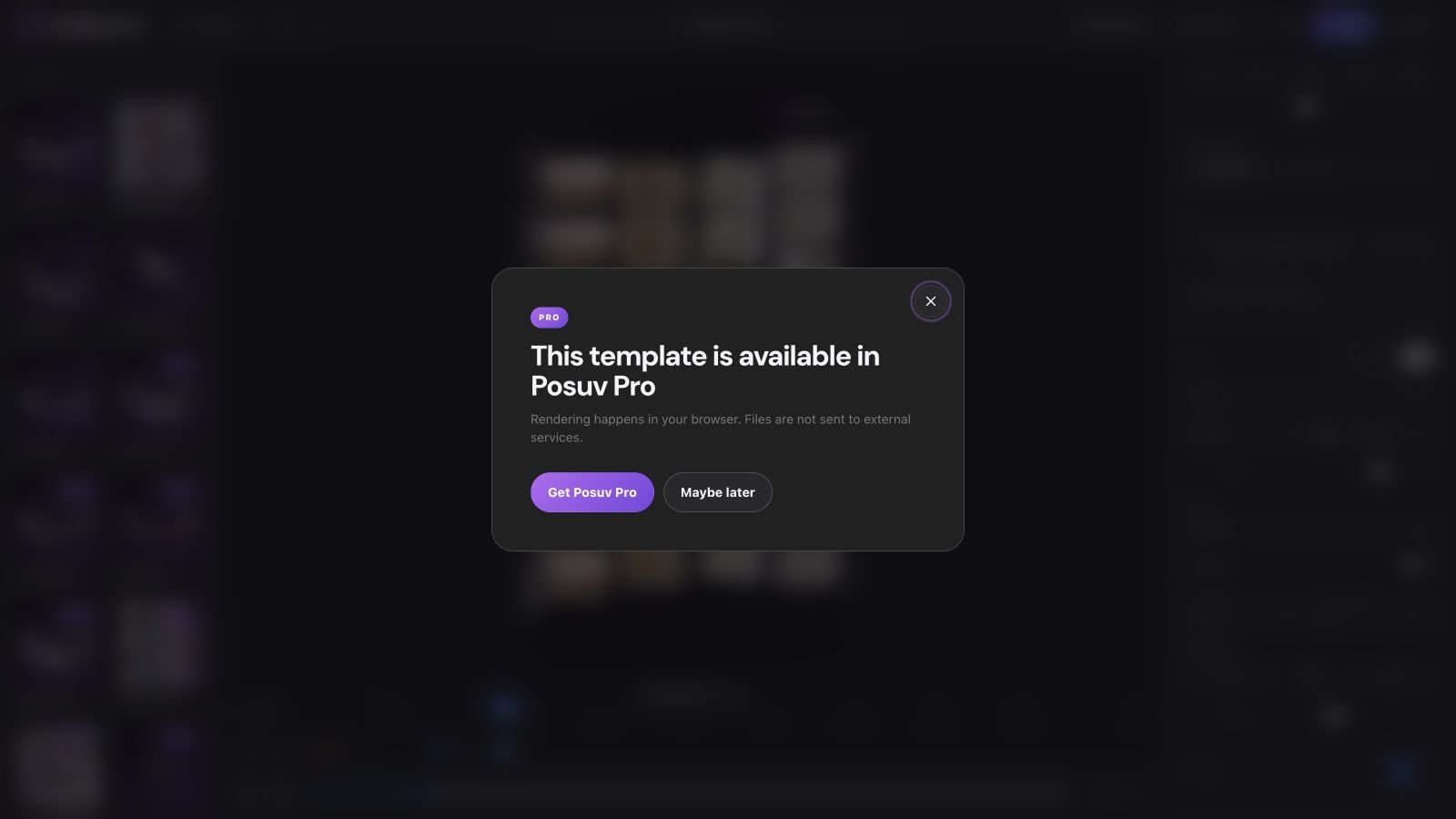
01—06
How it works
- Choose a motion template.
- Add your own images or videos.
- Tune the motion and composition.
- Add text, a logo and a background.
- Create keyframes on the timeline.
- Export the finished result.
Free / Pro
A useful Free edition. A more powerful Pro edition.
$0
- Permanent free edition — not a trial
- No licence key required
- 24 motion templates
- Images and video
- All core aspect ratios
- Text, logo and backgrounds
- Timeline and basic keyframes
- Local projects
- PNG and WebM up to 1080p
from $49/year
- All 64 templates
- 40 premium motion presets
- Advanced keyframes
- GIF, MP4, WebM and PNG
- 2K and 4K export
- Additional export options
- Future Pro template updates
| Feature | Posuv Free | Posuv Pro |
|---|---|---|
| Motion templates | 24 | 64 total |
| Images and video | ✓ | ✓ |
| Text and logo | ✓ | ✓ |
| Timeline and basic keyframes | ✓ | ✓ |
| PNG and WebM | up to 1080p | up to 4K |
| Premium templates | — | 40 |
| Advanced keyframes | — | ✓ |
| GIF and MP4 | — | ✓ |
Free and Pro
Use the free edition or choose Pro for the sites you need
Posuv Free is available at no cost. Posuv Pro uses annual licensing; every Pro plan has the same features and differs only by site count.
FAQ
Frequently asked questions
What is Posuv?
Posuv is a WordPress plugin for creating animated showcases from your own images and videos.
Do I need an external API?
No. Editing and rendering happen in the browser.
Can I use my own images and videos?
Yes. Add your files directly to the editor.
Does Posuv work without Elementor?
Yes. Posuv provides its own frontend editor and shortcode.
What is the difference between Free and Pro?
Free includes 24 templates and core export. Pro adds 40 presets, advanced keyframes, GIF, MP4, 2K and 4K.
Can I use Posuv on client websites?
Yes, within the site limit of your purchased licence.
Which export formats are supported?
Free: PNG and WebM up to 1080p. Pro: PNG, WebM, GIF and MP4, including 2K and 4K.
Is Posuv a WordPress plugin?
Yes. It is an independent plugin that works with WordPress.
Where are my projects stored?
Projects are stored in your browser on the current device.
Does Posuv upload my media?
No. The current editor processes media locally in the browser.
Can I change the language?
Yes. The interface supports Ukrainian and English.
Make motion part of your website
Try the editor online, download the real free WordPress plugin, or choose Posuv Pro.