
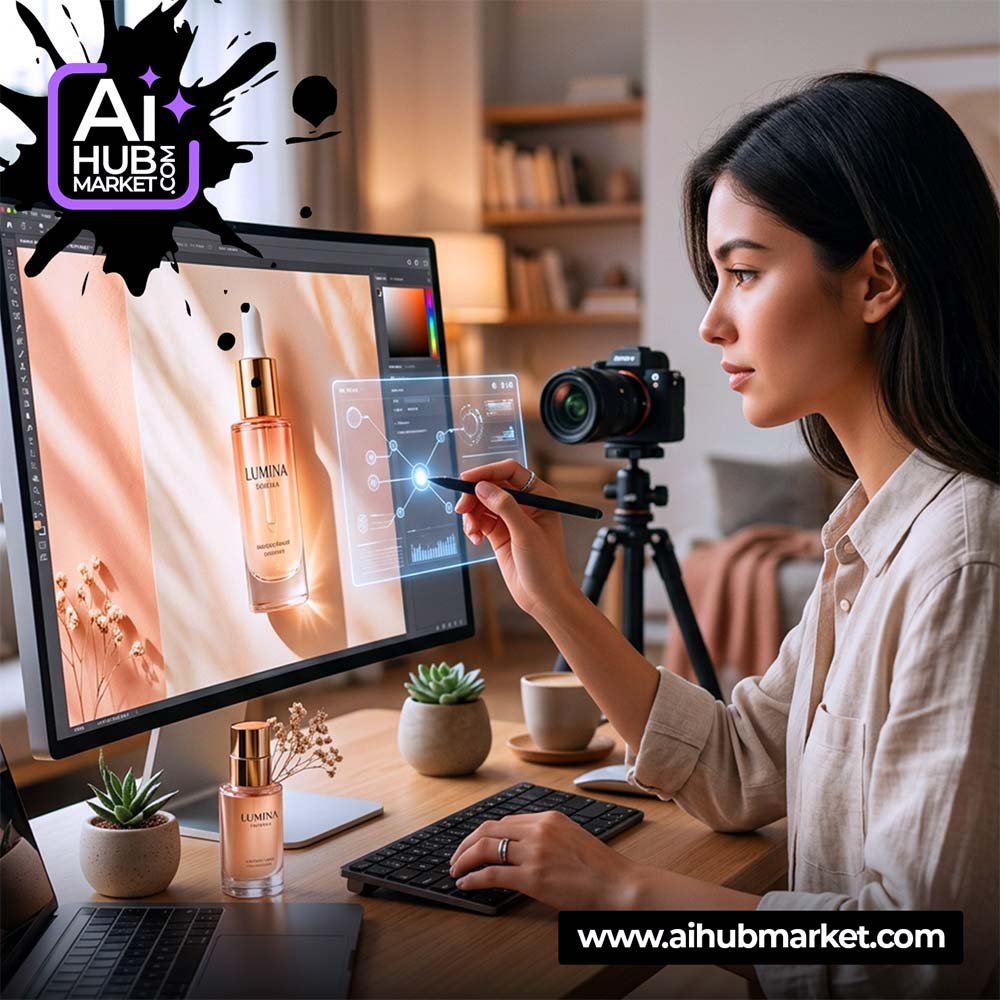
AI product photography works best when the product remains the source of truth and AI changes the environment around it. Preserve shape, proportions, label placement and distinctive details before asking for new backgrounds, lighting or campaign scenes.
Start with a Clean Product Reference
Use a sharp front or three-quarter product photo with visible branding and minimal obstruction. If the pack has transparent or reflective materials, include enough detail for the model to understand edges and surfaces.
Lock Product Geometry
- silhouette and proportions;
- cap, lid, valve or closure;
- label shape and location;
- brand colors;
- visible product text that must remain accurate;
- distinctive materials and finishes.
Camera and Lighting
For ecommerce, use neutral perspective, controlled shadows and believable reflections. For advertising, add more directional light and depth, but keep the product clearly readable.
Useful Product Scene Types
- clean ecommerce background;
- ingredient or lifestyle scene;
- premium studio pedestal;
- kitchen/bathroom/interior context;
- seasonal campaign scene.
Reusable Product Photo Prompt
Use the uploaded product photo as the exact product reference. Preserve product shape, proportions, label placement, cap and brand colors. Place it in [scene], photographed with [camera angle], [lighting] and [background]. Keep realistic shadows, reflections and material texture. Do not redesign the package or change the logo.
See also AI Product Background and Product Photos & Renders.
Ecommerce Quality Checks
- Label and logo accuracy.
- Product proportions.
- Correct quantity/variant.
- Realistic contact shadow.
- No extra caps, handles or seams.
- Background does not cover product details.