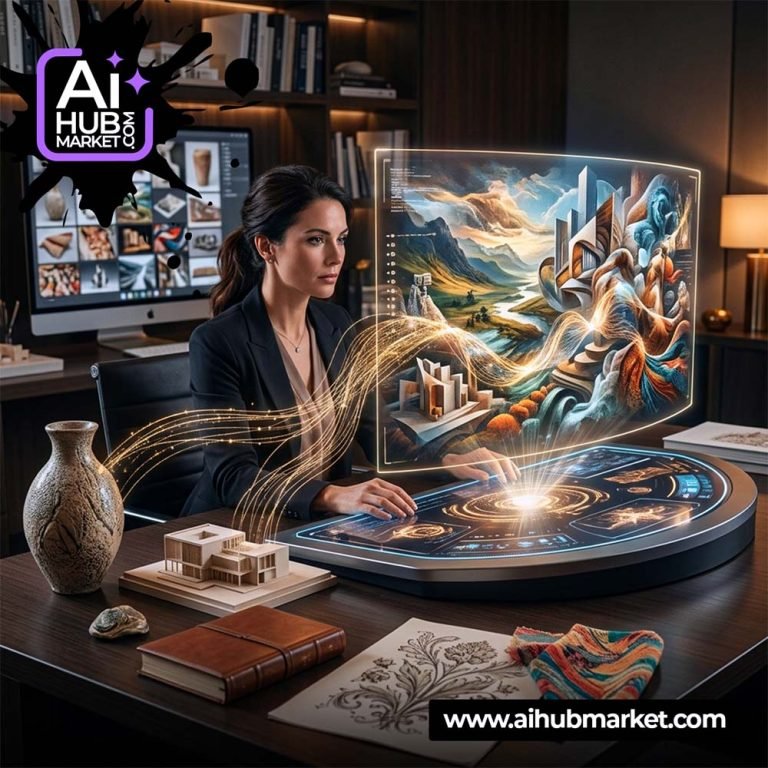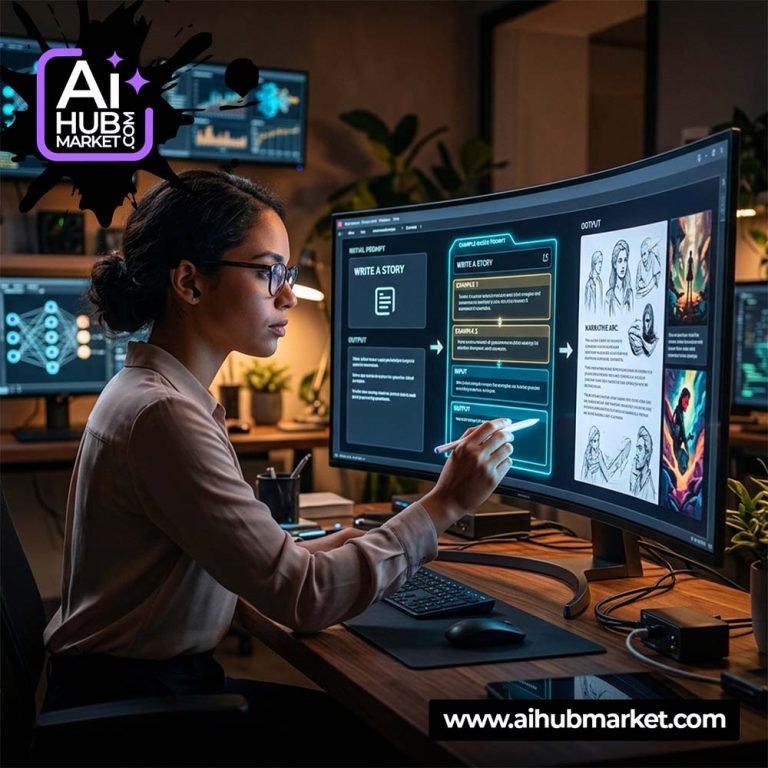

AI website banners need to work as interface elements, not only as attractive images. A successful hero banner leaves room for headline and CTA, preserves the focal subject after responsive cropping and supports the page’s conversion goal.
Start with the Page Goal
Define whether the banner should sell a product, introduce a service, announce a campaign or move the visitor to a category. This determines the subject, information hierarchy and amount of visual detail.
Design for Responsive Cropping
- Keep the hero subject away from the text zone.
- Reserve negative space for H1, supporting copy and CTA.
- Do not place critical details at extreme edges.
- Consider a second mobile crop or a composition that survives center-cropping.
- Avoid embedding long text inside the generated image.
Reusable Website Banner Prompt
Create a wide website hero banner for
ZLADNO Pro — Team Workspace for WordPress
Price range: 49,00 $ through 149,00 $
Explore plugin →
This product has multiple variants. The options may be chosen on the product page
Product-Focused Website Banners
Keep product geometry accurate and use the background to support it. For ecommerce, the product should usually remain the clearest and highest-contrast object.
Compare with AI Hero Banners and Banner Design Prompt.
Website Banner QA
- Readable subject at desktop and mobile widths.
- Clear text-safe region.
- No important content hidden under navigation.
- Good contrast behind actual HTML text.
- Optimized image dimensions and responsive source files.
Browse design prompts in the Market or AIHub Pro.
Frequently Asked Questions
Should website banner text be part of the AI image?
Usually no. Use HTML text for accessibility, responsiveness, SEO and accurate typography.
How do I make a banner work on mobile?
Reserve safe areas and keep the key subject near a crop-safe region, or prepare a separate mobile asset.