
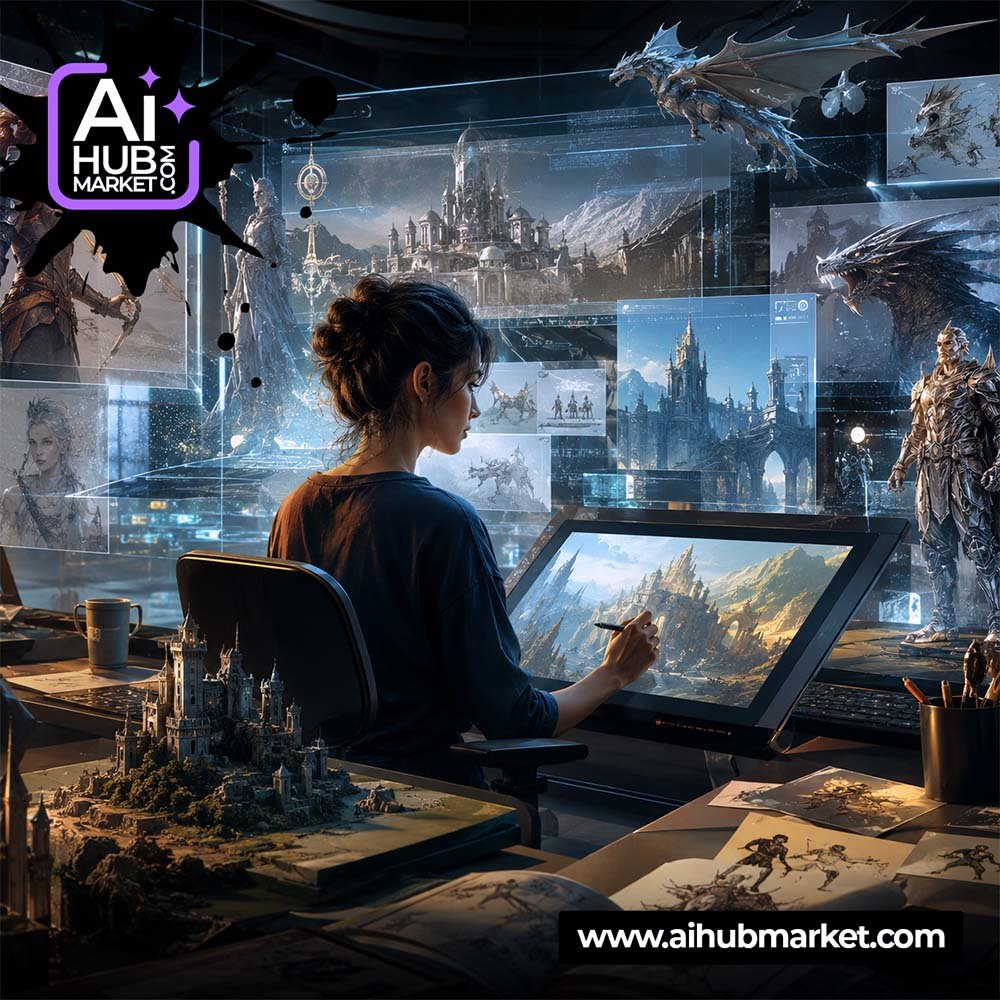
AI concept art is most useful for exploring ideas quickly: environments, characters, props, vehicles and visual directions before expensive production begins.
Define the Concept Problem
State what is being designed, its function, scale, world, audience and emotional goal. Concept art should solve a design question, not only create a pretty image.
Start with Silhouette and Major Forms
For characters and props, define proportion and silhouette before micro-detail. For environments, define scale, landmarks and spatial hierarchy first.
Control Camera and Composition
Specify viewpoint, focal point, foreground/midground/background and how the viewer should read the image.
Materials and Lighting
Concrete, glass, worn metal, fabric, fog, sunlight or artificial light all affect how believable the design feels. Name materials explicitly.
Iterate in Stages
- Broad thumbnails.
- Select direction.
- Lock composition.
- Refine materials and details.
- Create alternate color/lighting variants.
Reusable prompt: Design [subject] for [world/use]. Function: [function]. Silhouette: [shape]. Camera: [view]. Materials: [materials]. Lighting: [light]. Mood: [mood]. Keep design logic consistent and avoid decorative details that conflict with function.
Browse creative prompts in the AIHubMarket Market.